 SeamlessPlay
Pick up where
you left off.
Close Chrome whenever you like. When you reopen a supported video, SeamlessPlay returns the player to your saved position.
See how it works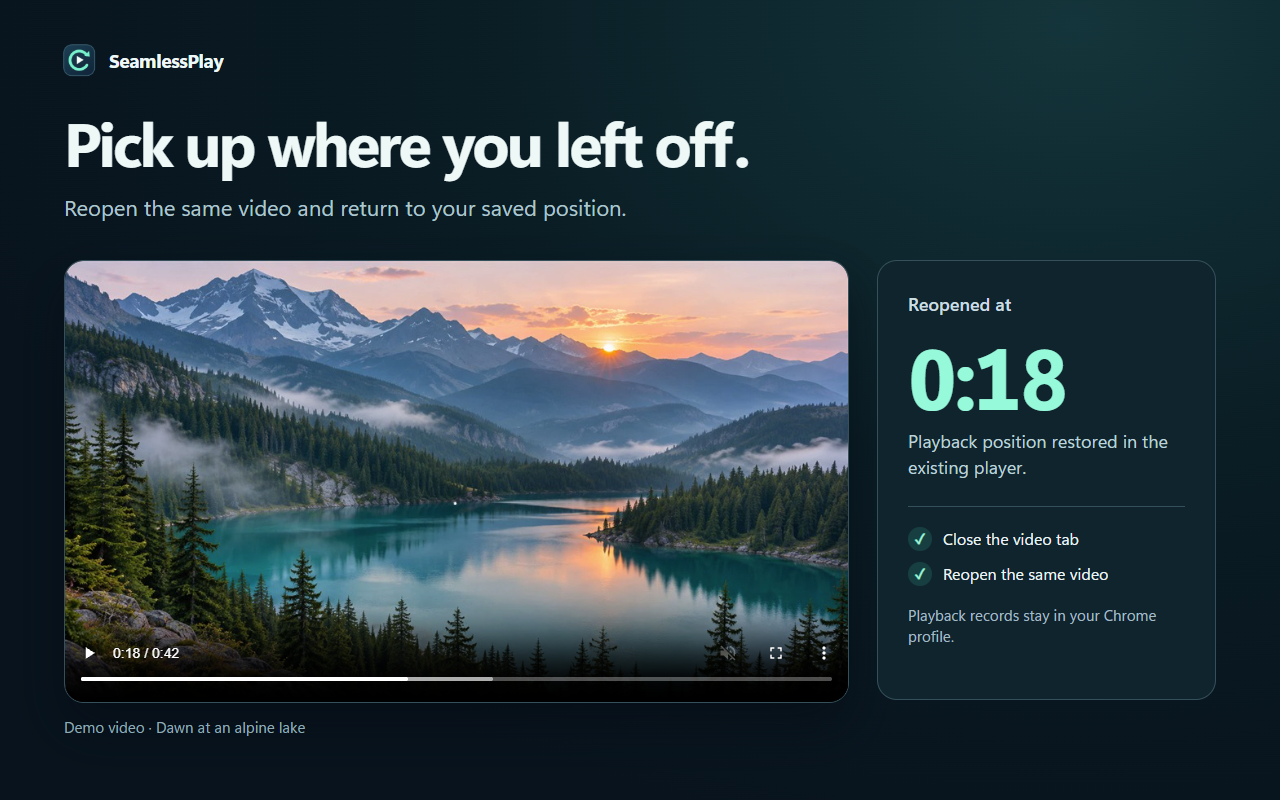
How it works
Turn on video resume
Open SeamlessPlay in Chrome’s extensions menu, read the data notice, and turn on video resume.
Watch as usual
On supported sites, your position is saved as you watch. You can close the tab or the browser.
Reopen the same video
The existing player returns to your saved position. Press play if the video is paused.
Your playback records stay in Chrome.
Playback positions and video durations are encrypted in your Chrome profile. You can turn off resume or clear your saved positions from the extension menu.